iPhone games and app projects
apps
Games and tools built around clear interaction, polished presentation, and focused mobile experiences.
APP WORK
Mobile projects built from creative ideas.
I have been building app projects since 2020, starting with LTWB, a promotional game created for musician Hunter Reece.
LTWB was a side-scrolling endless 8-bit runner built to support the release of Hunter Reece's song "Leave The World Behind." The project turned a music release into a playable promotional experience, using arcade-style movement, retro visuals, and 8-bit versions of the song to create something fans could interact with directly.
That same approach carries through the later apps: make the idea clear, keep the interaction direct, and build an experience that feels complete on the device it was designed for.
ROUND RUMMY
Contract Rummy style card game.
Round Rummy is a feature-rich card game designed to keep complex rounds clear, responsive, and easy to control from the first deal to the final score.
Track contracts, buying, lay downs, scoring, hand control, and round flow in a polished iPhone-first card game built for Contract Rummy players.

Getting Started
Learn the game.
- Round Rummy is a Contract Rummy-style card game.
- Each round has a contract made from sets and/or runs.
- Lay down the required contract, then keep playing until someone goes out.
- At the end of each round, all players score cards left in their hands.
- Lowest total score wins.
- Card themes are visual only and do not affect gameplay.
- A set is 3 or more cards of the same rank.
- A run is 4 or more sequential cards in the same suit.
- Buying only applies in games with 3 or more players.
- Buying must happen before the current player draws.
- The next player in turn order has first priority and may take the discard for free as their normal draw.
- If they pass, each player in turn order ahead of the buyer gets a chance.
- A later player who buys receives the discard plus one penalty card from the deck.
- After a later player buys, the next-turn player can draw from the draw or discard pile and continues their turn.
- The player who discarded the card cannot buy it back.
- Buys are unlimited.
- Once the current player draws, buying is locked until the next discard.
Round Flow
Click to learn more
- Draw one card from the deck or discard pile by tapping the draw or discard pile.
- Tap to select cards. You may lay down if your selected cards satisfy the round contract.
- In rounds 1-6, lay-downs are private until you discard. To discard, drag a card from your hand past the discard line.
- After you have publicly laid down on a previous turn, you may add to Played Hands after drawing by dragging a card from your hand to the Played Hands area.
- You cannot add to Played Hands on the same turn you first lay down.
- You must discard to end your turn, except after you lay down round 7.
- Round 7 requires all cards in three runs and no discard.
Player Control
Click to learn more
- Tap a card to select or deselect it.
- Drag cards left or right to reorder your hand.
- Drag a card upward, past the discard line, to discard when discarding is allowed.
- Tap a card, then tap the discard pile to discard that selected card when discarding is allowed.
- Tap the discard pile on your turn to draw from it when drawing is allowed.
- In 3+ player games, tap the discard pile while Buy is available to request the top discard.
- Drag a card onto a Played Hand to add it when legal to a valid place in a played hand.
- Long press your hand to open the hand menu.
- When your hand is crowded, use the scrub bar under your hand to browse cards.
- Use View Hand to see your cards larger and select multiple cards.
- Use Auto Sort, Sort by Rank, or Sort by Suit to organize your hand.
- Tap a feed line to view the full history or a specific item.
- Tap the X button in popups/cards to close them.
- App data: Round Rummy does not collect, store, share, sell, or track personal data. The app does not use analytics, advertising identifiers, third-party trackers, accounts, or background data collection.
- Privacy policy: View Round Rummy privacy details.
RUN
Children's action card game.
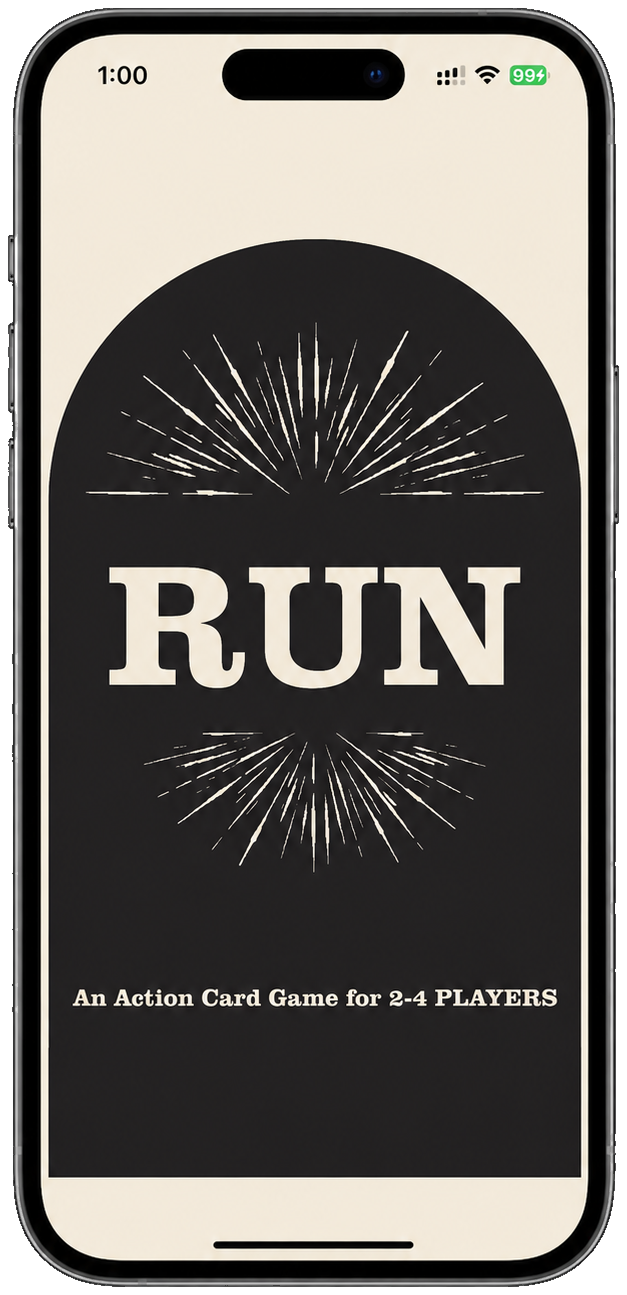
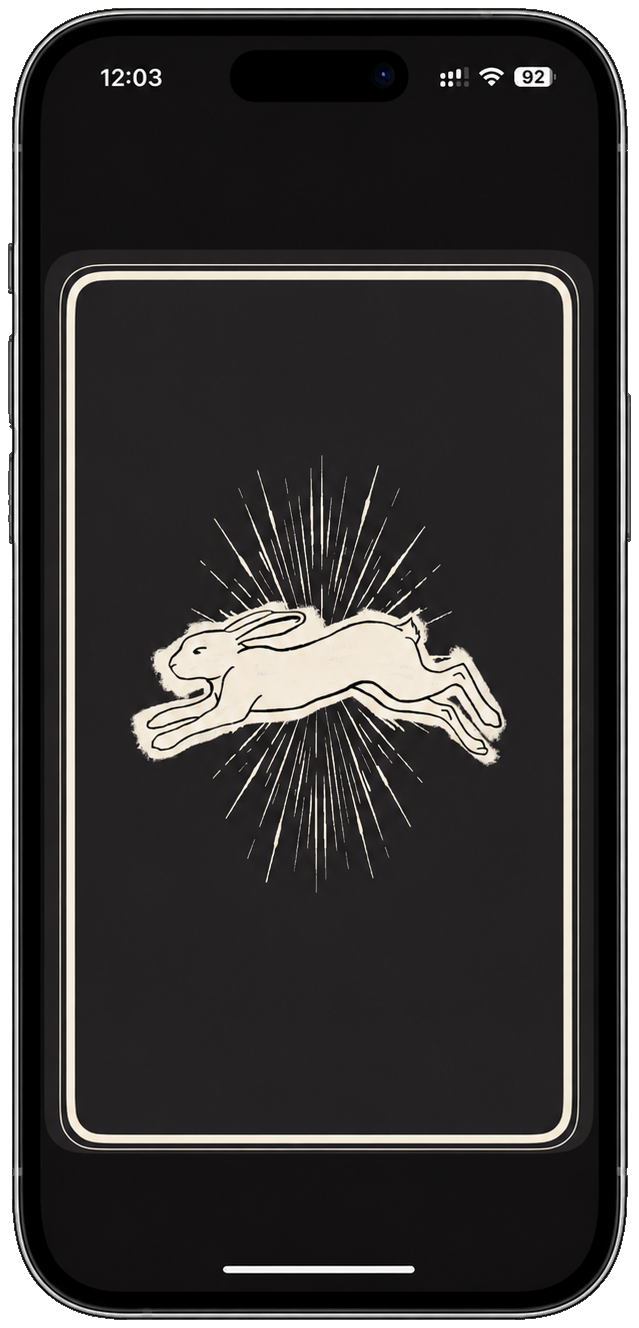
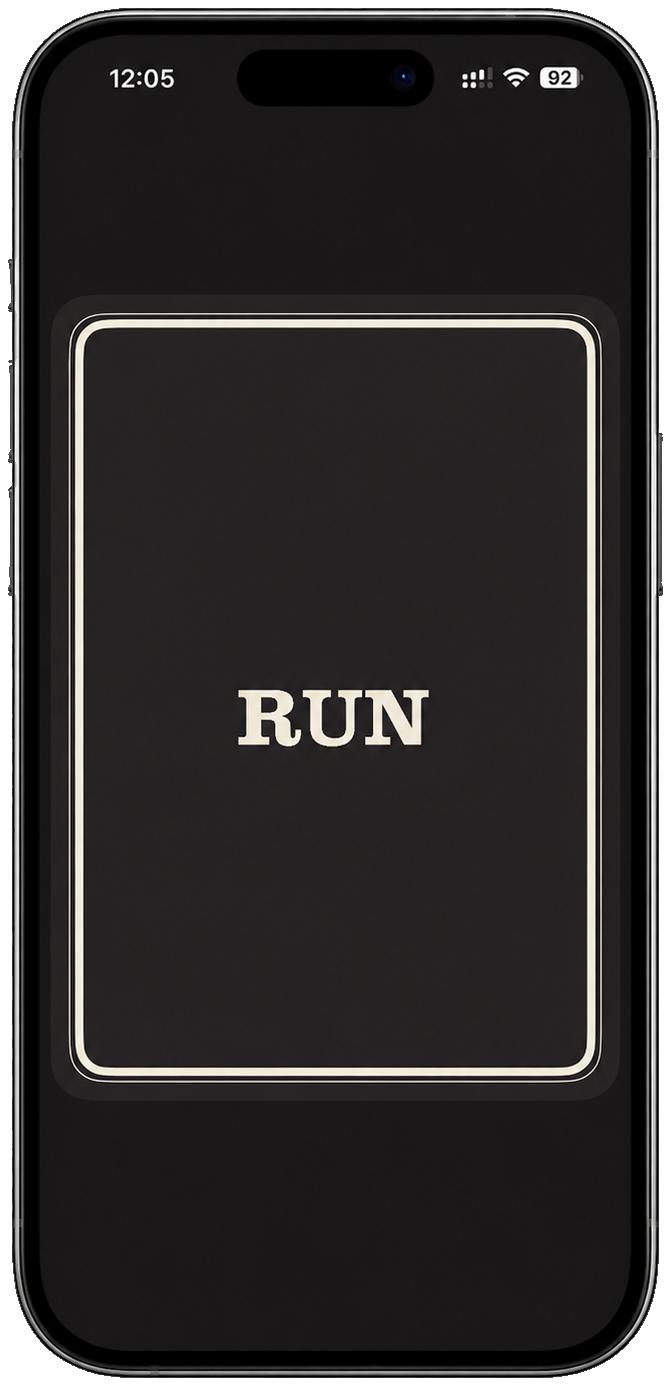
RUN Card Game is a hidden-card chase game for iPhone: pass the device face down, check your card in secret, and race for safety when RUN appears.
Inspired by the fictional card game from the show Widow's Bay, RUN turns the phone into the deck and the secret prompt. Players choose a safe point, take private turns, stay calm when they draw RUN, and try to reach safety before being tagged. The last player left wins.
Getting Started
Learn the game.
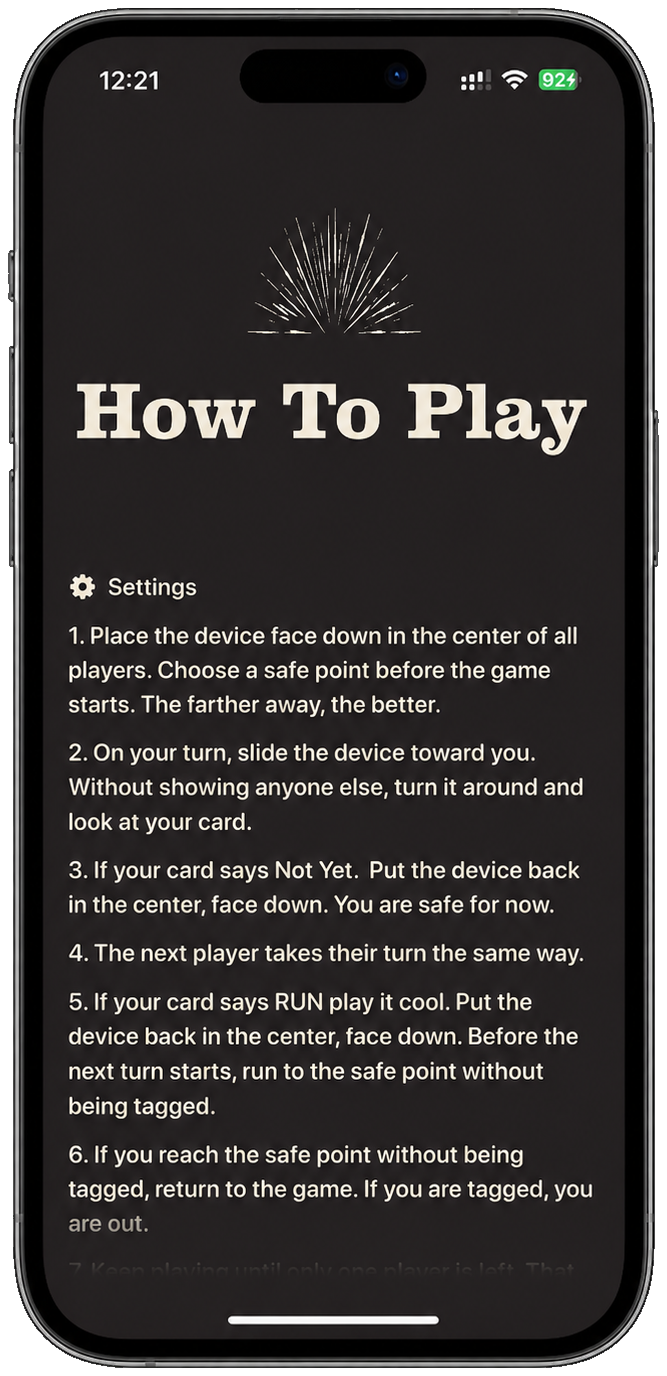
- RUN Card Game is a hidden-card chase game for 2-4 players.
- Place the device face down in the center of all players.
- Choose a safe point before the game starts. The farther away, the better.
- Pick a route that is open, visible, and safe for every player.
- Agree on what counts as being tagged before the first turn.
- Keep the device face down until the first player begins.
Game Flow
Click to learn more
- On your turn, slide the device toward you.
- Without showing anyone else, turn it around and look at your card.
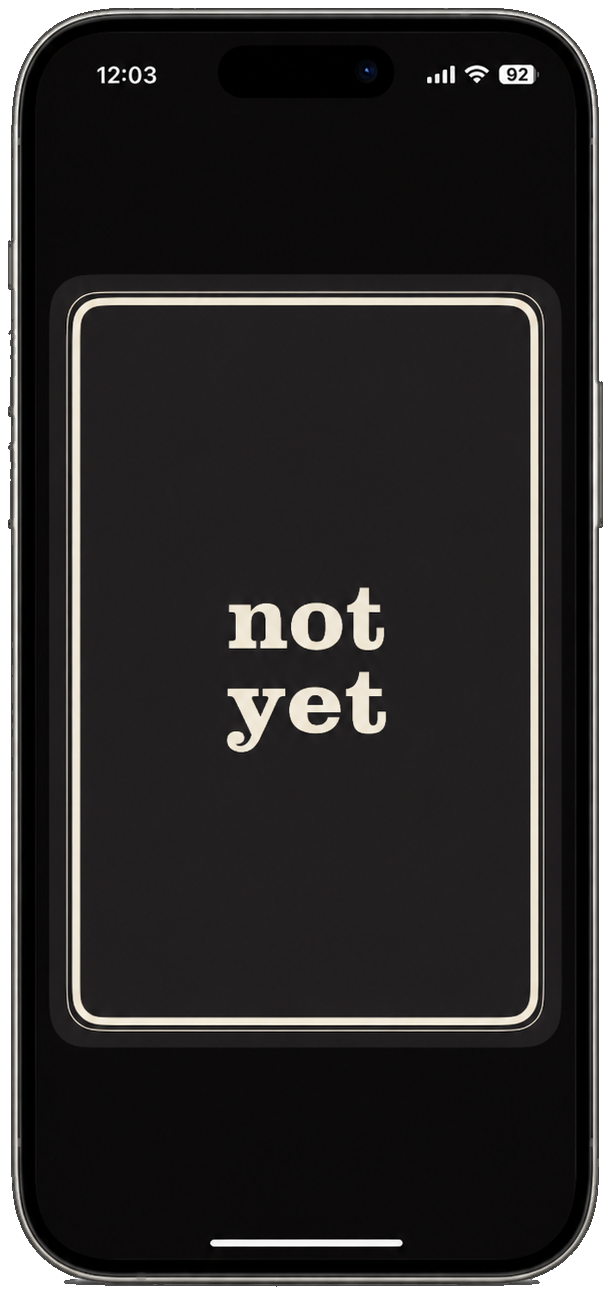
- If your card says Not Yet, put the device back in the center, face down.
- You are safe for now, and the next player takes their turn the same way.
- If your card says RUN, play it cool and put the device back in the center, face down.
- Before the next turn starts, run to the safe point without being tagged.
- If you reach the safe point without being tagged, return to the game.
- If you are tagged, you are out.
- Keep playing until only one player is left. That player wins.
Player Control
Click to learn more
- Only the current player should see their card.
- Do not announce Not Yet or RUN.
- If you draw Not Yet, return the device normally so the next turn can begin.
- If you draw RUN, avoid giving it away before you move.
- Return the device face down before running.
- Players may tag only after the runner has put the device back and started for the safe point.
- Pause or stop the game if the play area becomes unsafe.
- App data: RUN Card Game does not collect, store, share, sell, or track personal data. The app does not use analytics, advertising identifiers, third-party trackers, accounts, or background data collection.
- Privacy policy: View RUN privacy details.
TWINTOWER
Metalcore distortion plugin.
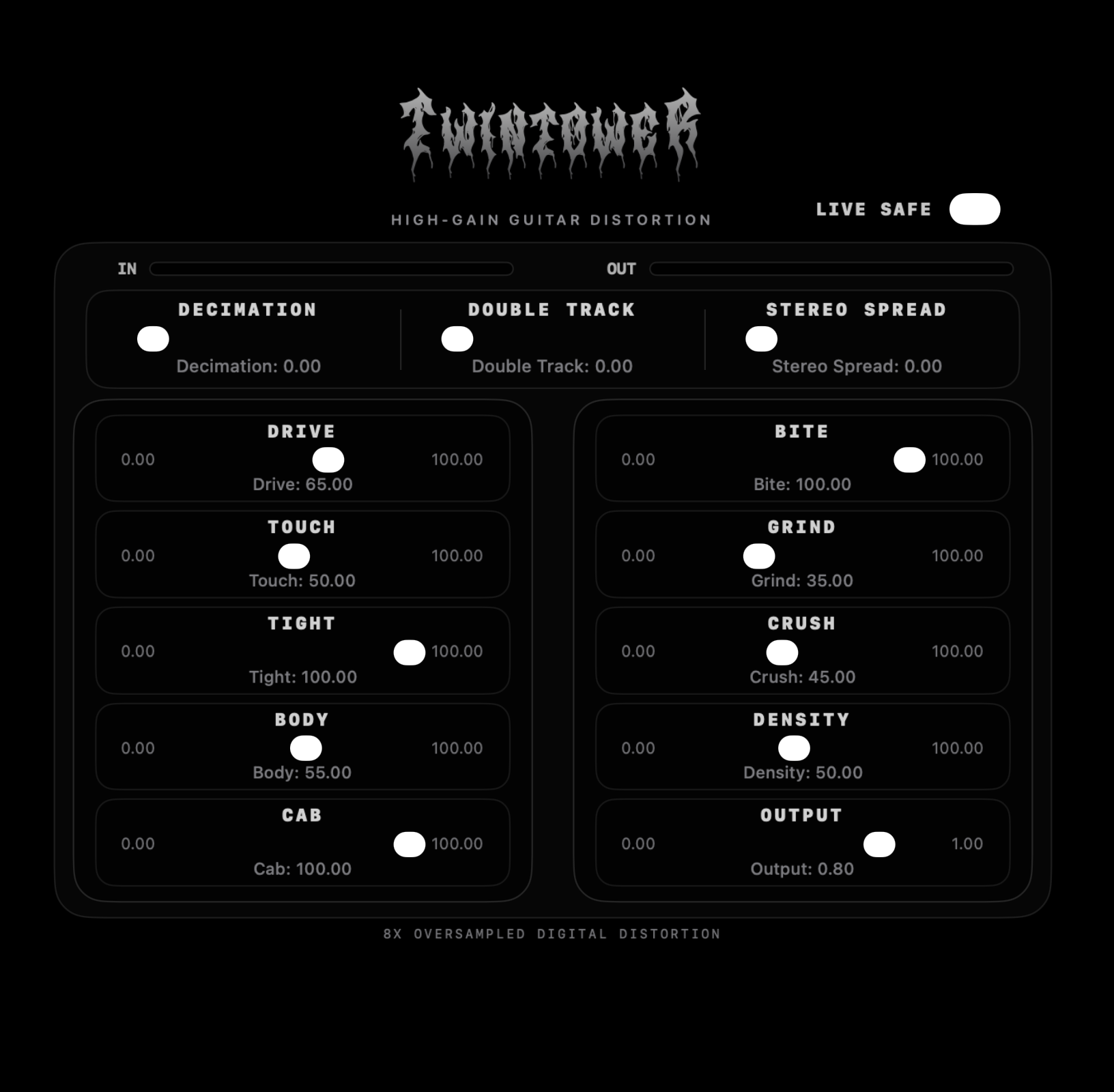
TwinTower is a distortion plugin built to take a raw guitar signal and push it into a brutal, aggressive metalcore guitar sound.
Designed for heavy rhythm tones, TwinTower focuses on turning direct guitar input into a tight, high compressed saturated sound that feels ready for modern metalcore production.
Getting Started
How to install the plugin.
- Drag the unzipped app into your Mac’s Applications folder.
- Open the app in the Applications folder then quit it.
- In your DAW, ensure that Audio Units are enabled and rescan the plugins.
- Quit your DAW and reopen it.
Controls
Click to learn more
- Drive: Controls how hard the guitar hits the main distortion stage. Higher Drive means more saturation, more compression, more harmonic aggression, and less clean pick transient.
- Touch: Boosts quieter playing before distortion. Higher Touch makes light notes, tapping, legato, and softer picking hit the distortion harder, so they sustain and bloom more easily.
- Tight: High-passes the input before distortion. Higher Tight removes more low end before clipping, keeping palm mutes tighter and reducing flub/mud.
- Body: Adds low-mid weight after distortion. This is the fullness/chest control: more Body makes the guitar feel bigger around the low-mid range without mainly adding more distortion.
- Cab: Smooths/darkens the distorted tone like a simple speaker/cab filter. Low Cab is raw/direct/fizzy; high Cab is smoother and more speaker-like.
- Bite: Adds upper-mid emphasis before clipping. Higher Bite makes pick attack sharper, more aggressive, and more cutting.
- Grind: Adds a separate high-frequency crunch layer. This is not just treble EQ; it creates extra distorted scrape, fizz, and pick texture.
- Crush: Adds a second saturation/clipping stage. Higher Crush makes the distortion more layered, heavier, and more compressed.
- Density: Adds post-distortion saturation/compression pressure. This makes the tone feel more packed, sustained, glued, and wall-like without mainly acting as low-mid EQ.
- Output: Final level control. It turns the processed signal up or down after the distortion chain.
- Decimation: Adds controlled sample-rate-reduction-style grit after the main distortion. Low values add subtle digital edge; high values get more broken, brutal, and synthetic.
- Double Track: Blends in a short delayed/modulated copy of the guitar. Higher values make it feel wider and thicker, closer to a second guitar performance.
- Stereo Spread: Adds stereo width near the end of the chain. It keeps lows more centered while spreading mids/highs for a wider modern guitar image.
- Live Safe: Not a tone slider. It enables extra internal safety guardrails for live use: more clamping, non-finite sample protection, and emergency spike limiting while trying to preserve the tone.
Signal Flow
Click to learn more
- Input: Your raw guitar signal enters the DSP.
- Touch: Before distortion, Touch watches the input level. If the note is quiet, it lifts it more. Loud notes get less lift. This makes tapping, legato, and soft notes hit the distortion harder without simply turning everything up.
- Tight: Then the signal goes through a pre-distortion high-pass style stage. Tight removes low end before clipping. This matters because low end into distortion can get loose and muddy. Higher Tight means a tighter, more controlled attack before the gain stages.
- 8x interpolation / oversampling: The signal is upsampled 8x before the main clipping. This gives the distortion more internal resolution and helps reduce aliasing compared to clipping directly at the host sample rate.
- Drive + Bite: Drive multiplies the signal before clipping. Bite adds upper-mid emphasis into that driven signal. So at this point the plugin decides how hard the distortion is hit and how sharp/aggressive the attack will be.
- First clipping stage: The signal hits the first main saturation stage. This creates the core distortion tone.
- Grind: A high-frequency distorted layer is created from the clipped signal and mixed back in. This adds scrape, pick attack, and crunchy upper harmonics. It is more of a texture/distortion layer than a simple treble boost.
- Second saturation stage / Crush: Crush controls a second clipping stage after the first one. This makes the tone thicker, more layered, and more saturated.
- Anti-alias low-pass + decimation: After oversampled clipping, the signal is filtered before returning to normal sample rate. This reduces harsh aliasing from the clipping stages.
- Decimation: Then the Decimation effect can add sample-rate-reduction style grit. This happens after the main distortion but before tone/cab shaping, so the digital edge becomes part of the distorted tone.
- Body: Body shapes the distorted tone's low mids. It adds weight and fullness while trying to avoid deep rumble or boxy mud.
- Density: Density adds compression/saturation pressure after Body. This makes the sound feel more packed, sustained, and wall-like.
- Cab: Cab smooths/darkens the distorted sound with a speaker-like filter. Low Cab keeps the tone raw and direct. Higher Cab makes it more controlled and cab-like.
- Double Track: A delayed/modulated copy is blended in. This makes the guitar feel wider and thicker, like a second performance layered with the original.
- Output: The signal is scaled by the Output control.
- Stereo Spread: Finally, Stereo Spread widens the stereo image, mostly in the mids/highs while keeping low frequencies more centered.
- Plugin data: TwinTower does not collect, store, share, sell, or track personal data. The plugin does not use analytics, advertising identifiers, third-party trackers, accounts, or background data collection.
- Privacy policy: View TwinTower privacy details.
CREDENTIALS
Encrypted & Private credential vault.
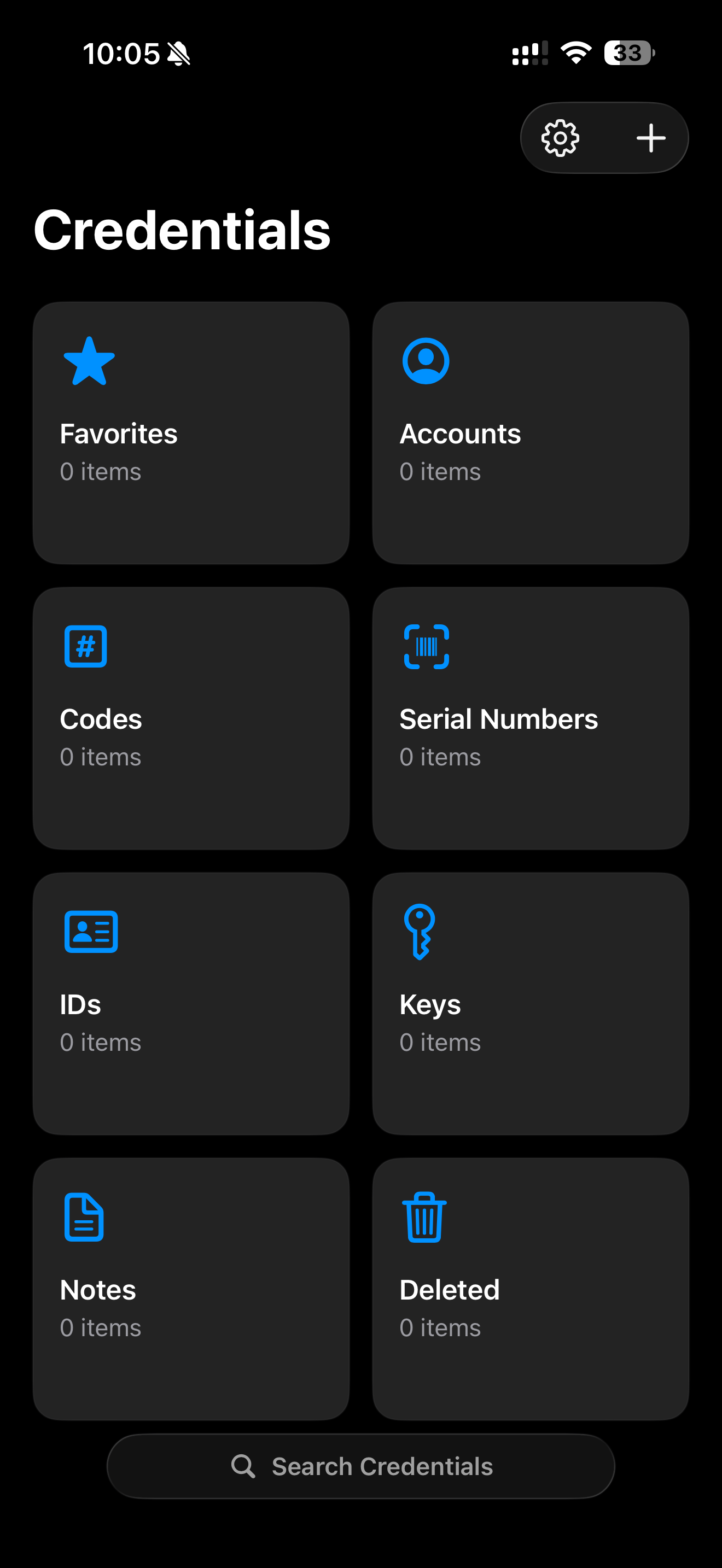
Coming SoonCredentials is a private, local-first secure records vault for iPhone. It stores SSNs, serial numbers, notes, documents, attachments, categories, favorites, Secure Location-protected records, and other sensitive items in an on-device vault without an account, server sync, analytics pipeline, or cloud database.
Vault data is encrypted before it is written to storage. The user's vault unlock secret is used to derive cryptographic key material, and the unlock secret itself is never stored by the app. Credentials supports Face ID lock modes and manual encrypted backup and restore using portable .credentialsvault files.
Getting Started
Click to learn more
Coming Soon
Security
Click to learn more
Coming Soon
Backups
Click to learn more
Coming Soon
- App data: Credentials does not collect, store, share, sell, or track personal data. The app does not use analytics, advertising identifiers, third-party trackers, accounts, or background data collection.
- Privacy policy: View Credentials privacy details.
Support
Help for apps.
Questions, bugs, compliments, complaints, and feature feedback are all welcome for Round Rummy, RUN, TwinTower, and Credentials.
When reaching out
Include the app name, device model, app version, what you were trying to do, and what happened. Screenshots are also always helpful.
Contact
Email support with the app name in the subject line so the request can be reviewed quickly.
Email support